You spent the day filming a high-production travel vlog, an in-depth remote work tutorial, or a casual lifestyle discussion inside a local coffee shop. The dialogue is clear, the visuals are cinematic, and your own original voiceover carries the story. Yet, within minutes of uploading your video to YouTube Studio, you are slapped with a Content ID claim.
The culprit? A faint, low-volume song playing on the coffee shop’s overhead sound system in the background of your recording.
A Content ID claim on background noise immediately diverts your ad revenue to a third-party music publisher or rights administration organization. Even worse, it leaves creators terrified of receiving a formal copyright strike.
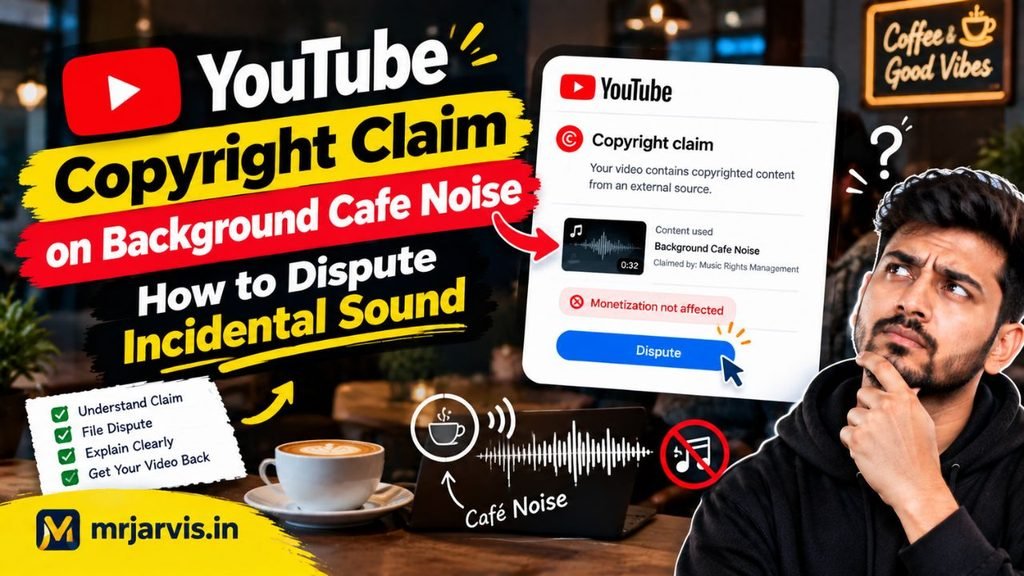
If you are dealing with this situation and wondering how to file a youtube copyright claim on background cafe noise dispute, the good news is that Content ID algorithms frequently overreach on incidental audio. In this comprehensive guide, we examine the legal standing of incidental audio, YouTube’s dispute timeline, and how to successfully draft a dispute that releases your revenue.
The Legal and Algorithmic Reality of “Incidental” Sound
YouTube’s Content ID system is an automated audio-fingerprinting engine. It does not possess human contextual understanding. If an algorithm detects a 15-second acoustic match between an uploaded video and an entry in its digital fingerprint database, it automatically places a claim—regardless of whether that audio was the intended focus of your video or merely ambient room tone.
Under copyright law (specifically within the doctrine of Fair Use in the United States and Incidental Inclusion in jurisdictions like the UK and Commonwealth nations), background audio that is captured purely by coincidence and serves no functional commercial entertainment purpose often qualifies for legal protection:
- Non-Substitutional Value: Nobody watches your 20-minute vlog to listen to a muffled, echo-laden pop song playing behind an espresso grinder. Your video does not compete with the original song in the commercial marketplace.
- De Minimis Non Curat Lex: A legal principle meaning “the law does not concern itself with trifles.” Fleeting, incidental background noise captured during public reporting or vlogging frequently falls under this standard.
Step 1: Choose Your Remediation Path (Edit vs. Dispute)
Before you submit a dispute, determine whether you want to resolve the issue instantly without entering a 30-day waiting period, or fight for your legal rights.
YouTube Studio provides built-in audio editing tools that can eliminate the claim without affecting your video’s URL, view count, or user comments:
Option A: The Instant In-Studio Edit (Zero Risk)
- Go to YouTube Studio > Content.
- Hover over the Restrictions column on the affected video and click See Details.
- Under the claimed audio segment, click Select Action.
- Choose one of three options:
- Trim Out Segment: Cuts the entire time-stamped video section out of your video completely.
- Replace Song: Swaps the background audio segment with a free track from the YouTube Audio Library.
- Mute Song Only (Beta): Uses an AI phase-inversion algorithm to remove only the claimed background track while keeping your dialogue and ambient voice untouched.
If preserving the continuous flow of your footage is essential and you believe the claim is legally invalid, proceed to file a formal dispute.
Step 2: How to Submit a Dispute in YouTube Studio
Filing an official dispute forces the claimant to manually review their claim within 30 days. During this dispute period, all advertising revenue generated by your video is held in escrow. If you win the dispute, the accumulated revenue is paid out directly to you.
Step-by-Step Dispute Submission:
- Navigate to the Copyright Overview and Status window inside YouTube Studio.
- Click Select Action > Dispute.
- Review the eligibility requirements and check the box confirming your eligibility.
- When asked for the reason for your dispute, select Fair Use or Public Domain / Incidental Sound.
- On the detailed statement screen, check the box acknowledging that you have read YouTube’s Fair Use guidelines.
Step 3: The Exact Dispute Template to Use
The quality of your written statement determines whether a claimant’s licensing manager releases the claim or reflexively upholds it. Never write emotional statements, insult the copyright owner, or simply say “I don’t own this song.”
Copy and customize this professional legal statement into the explanation text box:
“This dispute is submitted pursuant to the Fair Use doctrine under 17 U.S. Code § 107 (and incidental inclusion principles under applicable intellectual property laws). The claimed audio is faint, incidental ambient noise playing in the background of a public commercial establishment (a cafe) during a live on-location recording. The audio was not intentionally synced, is obscured by speech and atmospheric noise, is brief in duration, and serves no entertainment or commercial value as a musical substitute. The primary work is entirely original commentary and vlogging. I respectfully request that this automated Content ID claim be released immediately.”
Check the confirmation boxes certifying that your statement is accurate under penalty of perjury, sign your full legal name, and click Submit.
Dispute Lifecycle and Outcomes
| Claimant Action | Result on Your Video | Revenue Impact |
| Claimant Releases Claim | Claim is removed immediately | Escrow revenue is released to you |
| Claimant Does Not Respond | Claim expires automatically after 30 days | Escrow revenue is released to you |
| Claimant Rejects Dispute | Claim is reinstated | You may file an Appeal (triggers strike risk) |
Crucial Note: If a claimant rejects your initial dispute, you have the option to Appeal. If they reject an Appeal, your video will receive a formal DMCA Copyright Strike. Only file a secondary appeal if you are prepared to pursue formal counter-notification.
Conclusion
Filing a youtube copyright claim on background cafe noise dispute is a legitimate creator right designed to protect you from overzealous automated fingerprinting engines. Incidental room noise in public establishments does not constitute copyright theft, nor does it diminish the commercial market value of the original artist’s track.
By understanding the difference between automated Content ID claims and manual copyright strikes, using YouTube Studio’s precise “Mute Song Only” feature when speed is critical, or submitting a formal Fair Use dispute supported by clear legal reasoning, you can protect your channel’s monetization and ensure you keep the revenue your content earned.